This release adds Flashcards, built into the app: study any list, your own or a built-in one such as HSK, with reviews scheduled by FSRS.
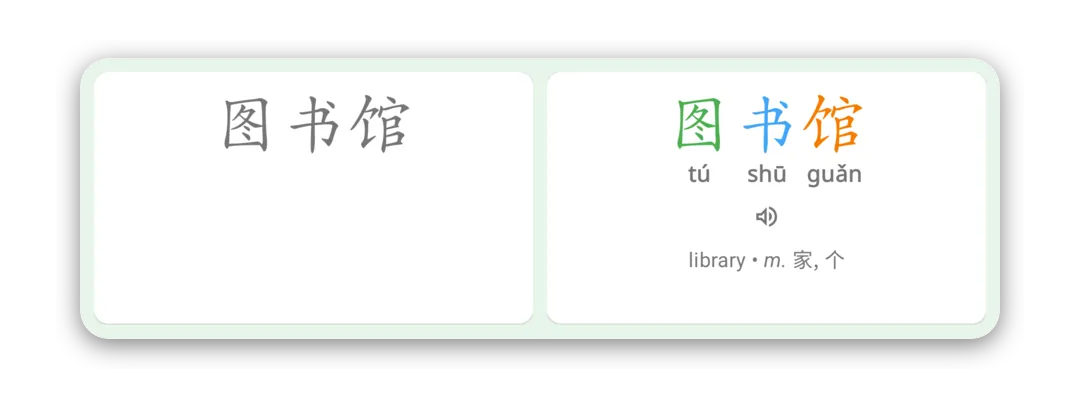
Flashcards
Open Flashcards from the Vocab tab, or from any list’s Flashcards button. Each list you study feeds its new words into one daily session, so there’s a single place to go each day, reviews first and then new words. A session is 20 cards, with Keep going at the end if you want more.
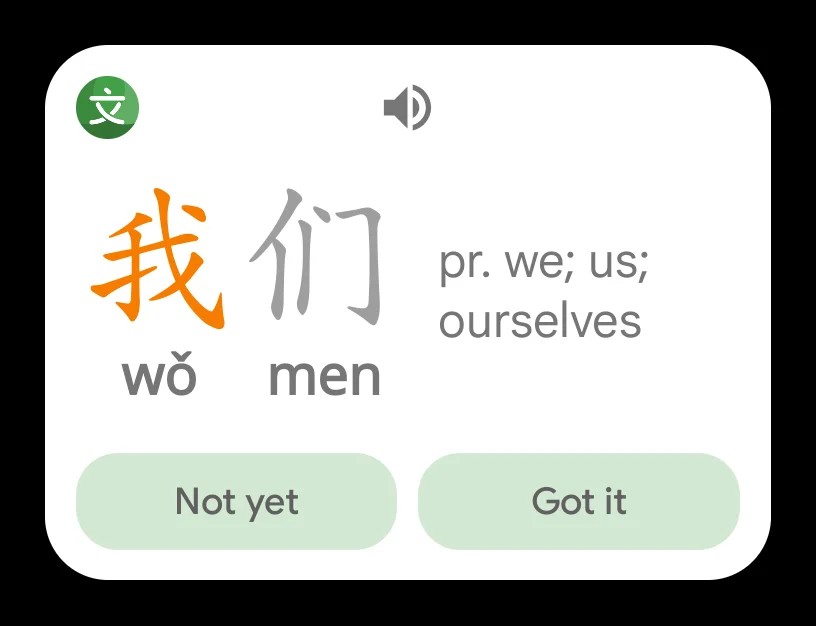
A Hanzi card shows the word and asks for its sound, tones included, and one meaning. Tap Got it or Not yet, and FSRS decides when you’ll see it next, spacing your reviews so the same memory takes fewer of them. A new word you already know is one tap away with Already know, and Skip keeps a word out of your sessions for good (you can unskip it from its word page). Starred sentences in a list are studied too.
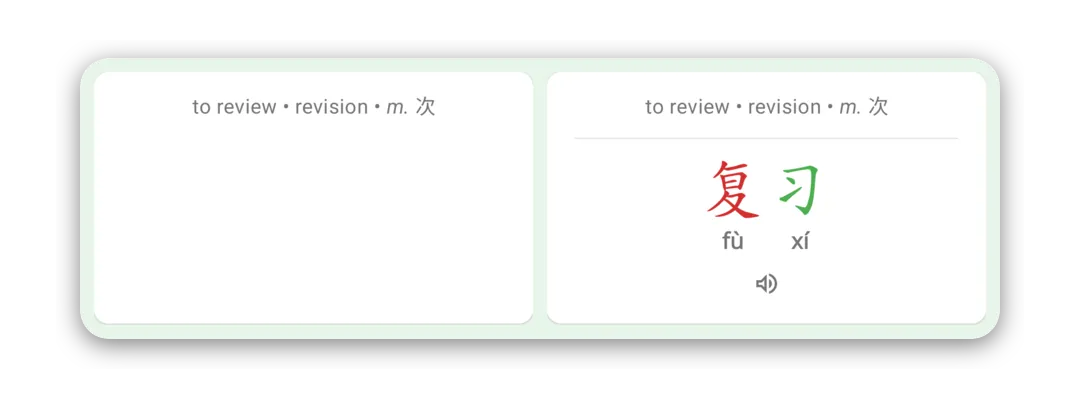
You can also switch on Meaning cards, which show a meaning and ask for the word, and Sound cards, which play the word and ask what it means. A word’s Meaning and Sound cards start once you’ve learned its Hanzi card. With more than one kind switched on, Study lets you take one on its own.
The Flashcards screen shows what’s due, your lists, and New words per day, with Pause new words for when you only want reviews. Each list shows how many of its words you’ve learned and how many are due, and a word’s page shows its flashcard state.
Every card and every review is free, up to 10 new words a day. The Flashcards add-on, a one-time purchase, raises that to as many as 50. One purchase covers both Hanping Chinese and Hanping Cantonese on all your devices: just sign in to the same Hanping account on each.
On Android there’s also a Flashcards homescreen widget, for reviewing your due cards without opening the app.
A new app icon
Hanping has a new icon: 文 drawn on the two circles it is built from. On Android, the startup screen shows it too.
History and the readers
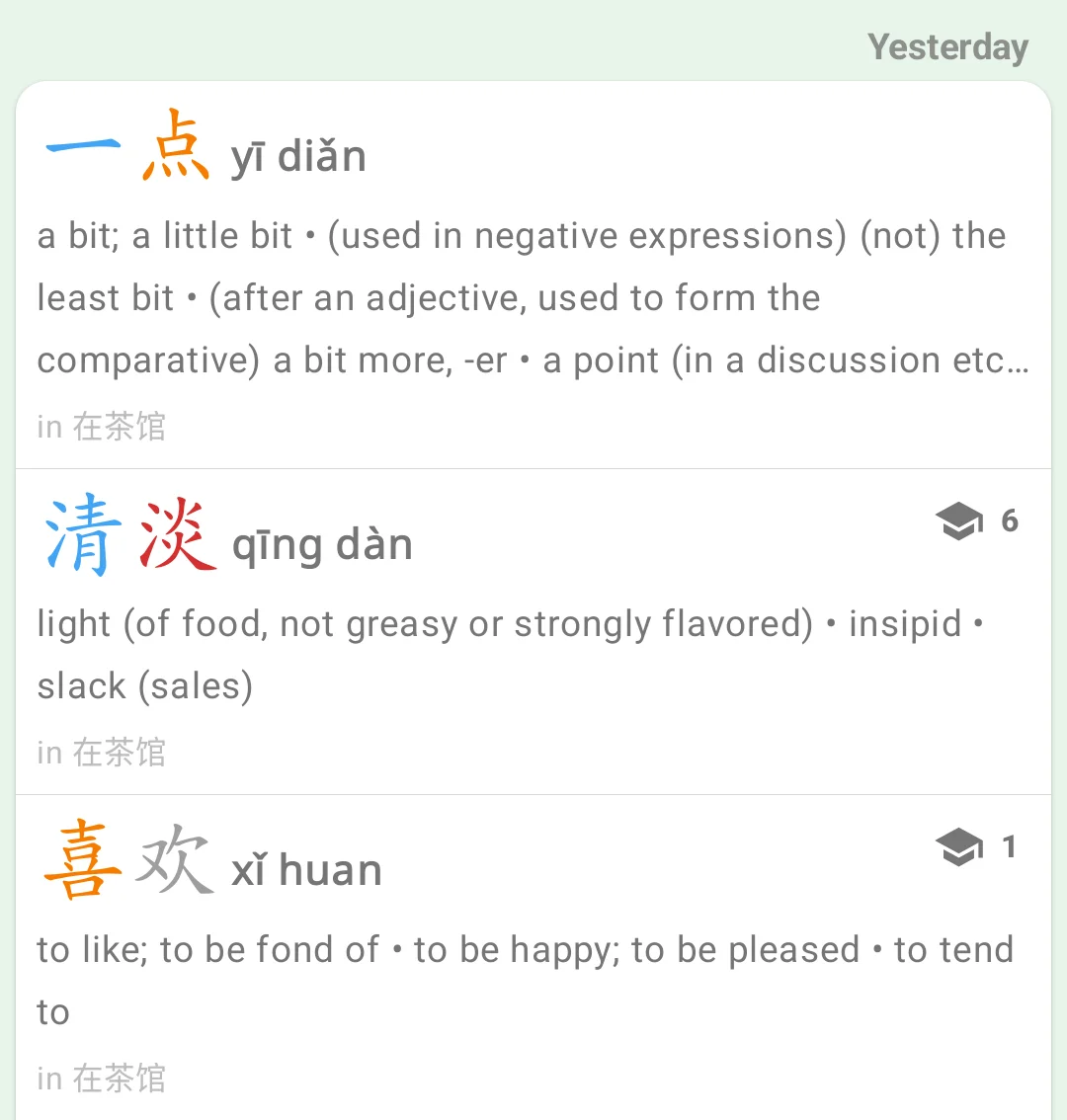
History now shows, under a word, the title of the document you looked it up in. Tap the title to jump back to that spot in the document.
In the Image Reader, tap + (Add the next line) to extend your selection by a line. A long press still adds any other box.
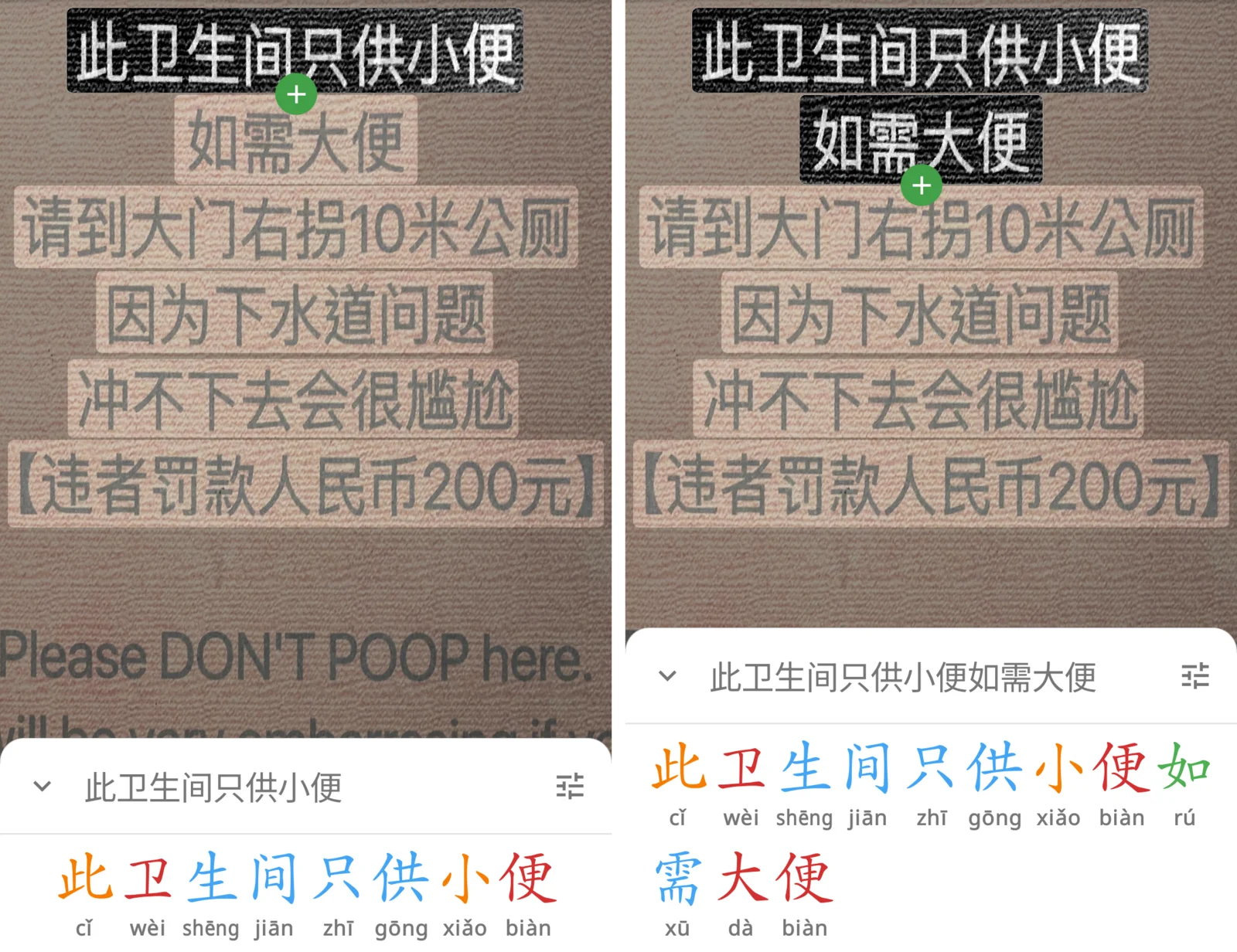
The Document Reader now takes Markdown’s markup out of pasted text and text files, so you read the text rather than its asterisks and hashes.
More languages
Hanping now speaks Indonesian, and CC-CEDICT’s definitions come in Indonesian too, from CC-CIDICT. If your device is set to Indonesian, the app offers to download them for you, and you can switch back to English under CC-CEDICT on the Add-ons screen.
Spanish, French, Korean, Russian and Thai translations of the app are in too, ready to try under App language in General Settings while native speakers review them. If you speak one of them and spot something odd, I’d love to hear from you.
Other improvements
CC-CEDICT and the ABC dictionaries are updated. When you look up a word that needs a machine translation, the word now shows right away, saying it is translating, rather than waiting for the translation to arrive.
Get Hanping Chinese Dictionary on Google Play Store and Apple App Store
Get Hanping Cantonese Dictionary on Google Play Store and Apple App Store
I read every message, so please get in touch with your feedback.